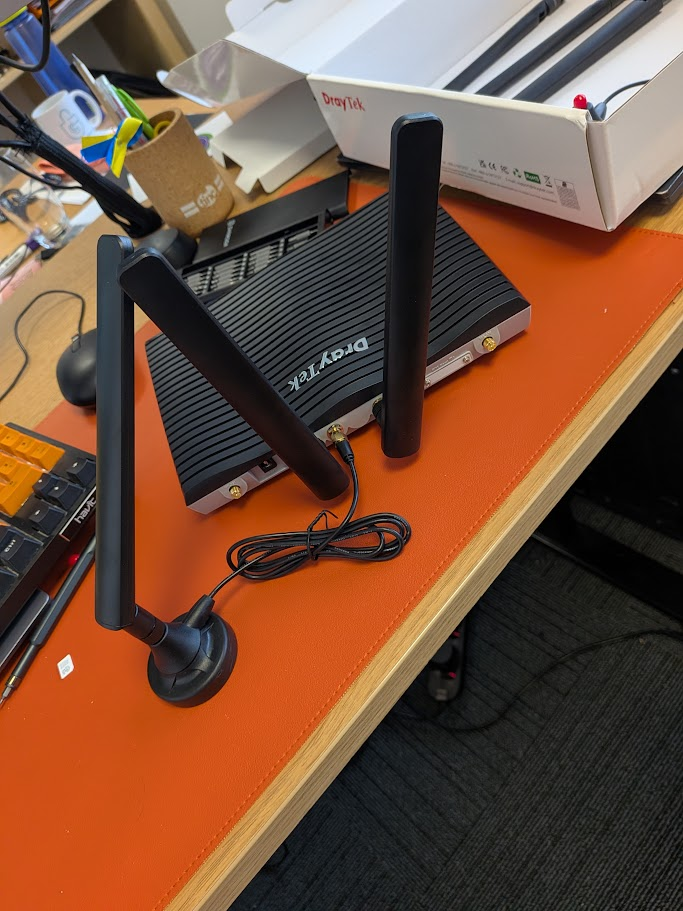
Setting up Draytek Vigor 2927Lax-5G Router out of the box (for 5G connections)
Installing the SIMs
To install a SIM unscrew the SIM slot on the rear of the device
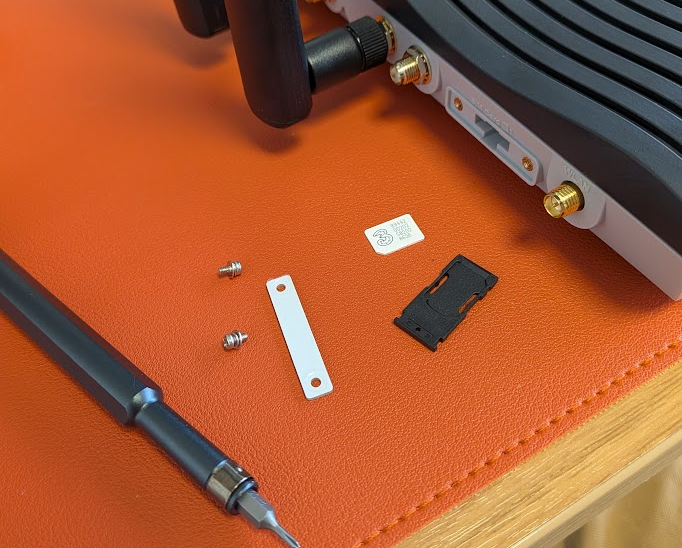
The SIM tray has two slots, slot one is above, install as below
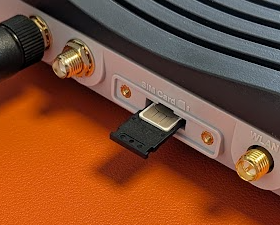
SIM in tray (SIM 1 position)
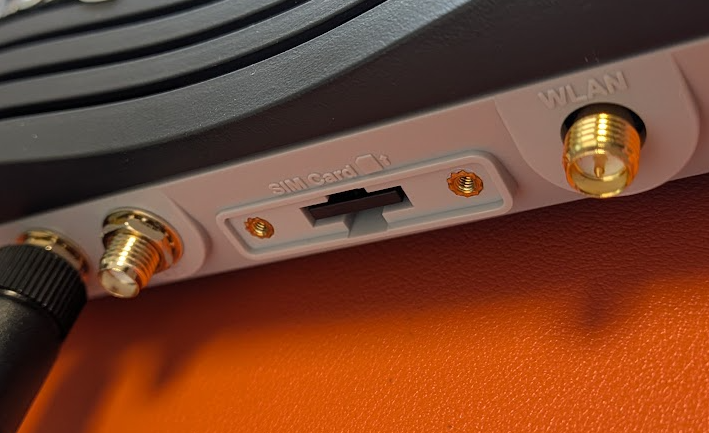
SIM tray properly clicked into place
Installing the antennas
There are six antenna's in the box
2 x Wifi Antennas (2.4g/5g)
4 x 5G Antennas
4 x Magnetic 5G Antenna extenders
It is usually sufficient to install two directly to the Draytek on the 1st and 3rd slot of the middle 4 connectors.
If you are in area with low signal you can use the magnetic extender mounts optionally too (see a possible config below)