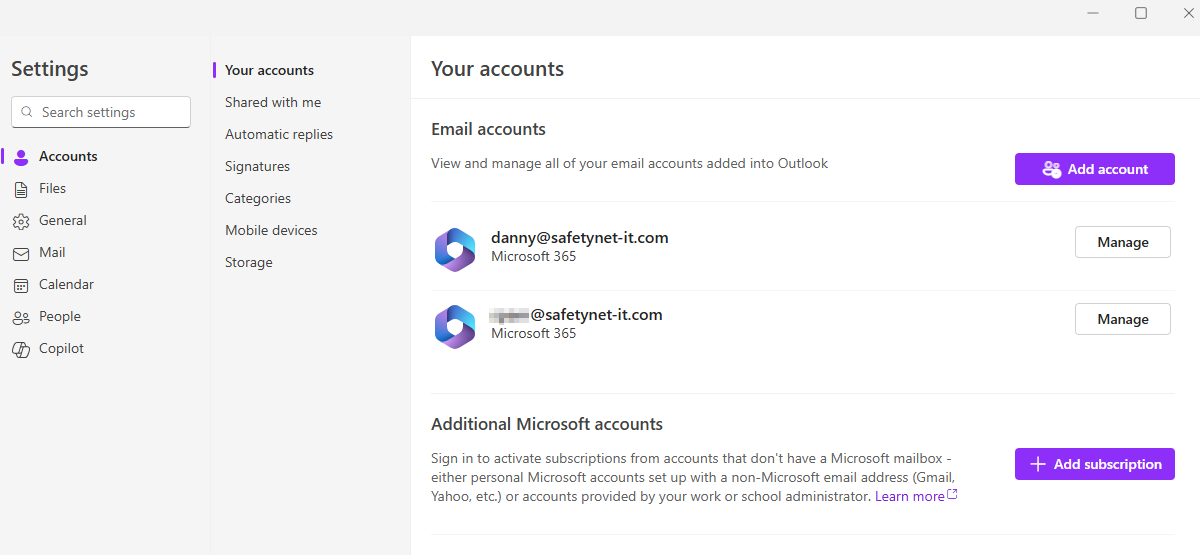
Add a sharedmailbox in as a "full mailbox" (New Outlook)
If you have access to a shared mailbox but need it to behave as a full mailbox (e.g have access to it's settings, signatures etc...) you can do so in the New Outlook Experience.
Click the settings cog
Then under Accounts > Shared with me
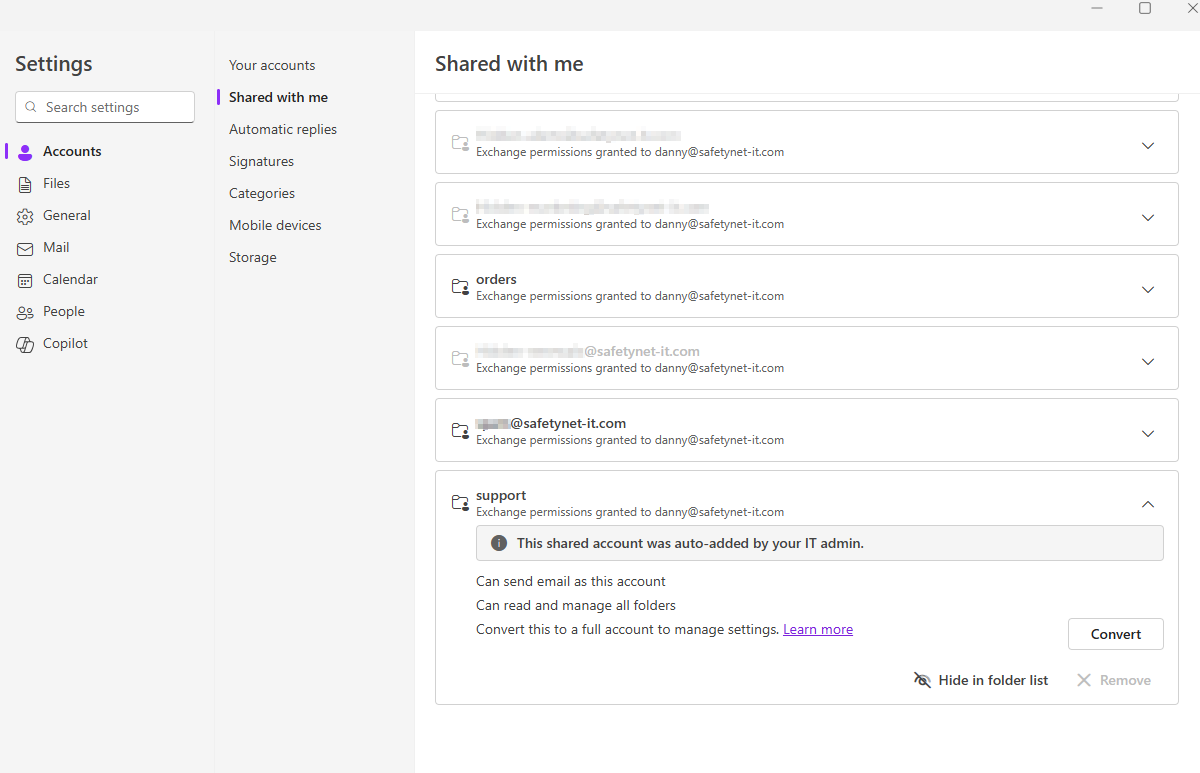
You can show/hide mailboxes here as well as choose Convert next to any mailbox to convert it to a full mailbox, with access to it's settings and signatures.
After a restart of Outlook you can see it now behaves as if added in via username/password.