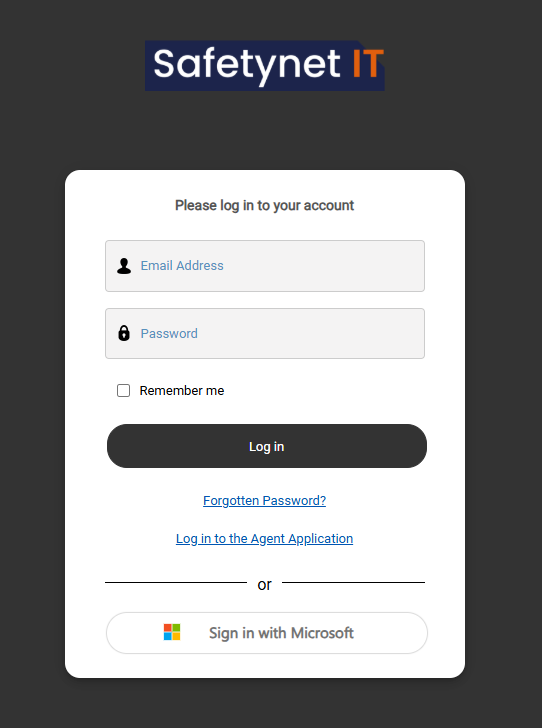
If you are unable to log in, please raise a support ticket by emailing or calling the help desk.
[](https://wiki.safetynet-it.com/uploads/images/gallery/2026-01/UIQLlAagK3JaXT9W-image.png) ## **Using the portal** Once logged in, you can perform a range of actions depending on the level of access assigned to your account. These may include: - Raising a new support ticket - Viewing and tracking your open tickets - Accessing available reports - Viewing device and asset lists - Submitting special requests such as staff onboarding or offboarding ([onboarding ](https://wiki.safetynet-it.com/books/safetynet-it/page/customer-portal-onboarding-new-users)and offboarding guides) The options and data visible to you are based on your permissions. [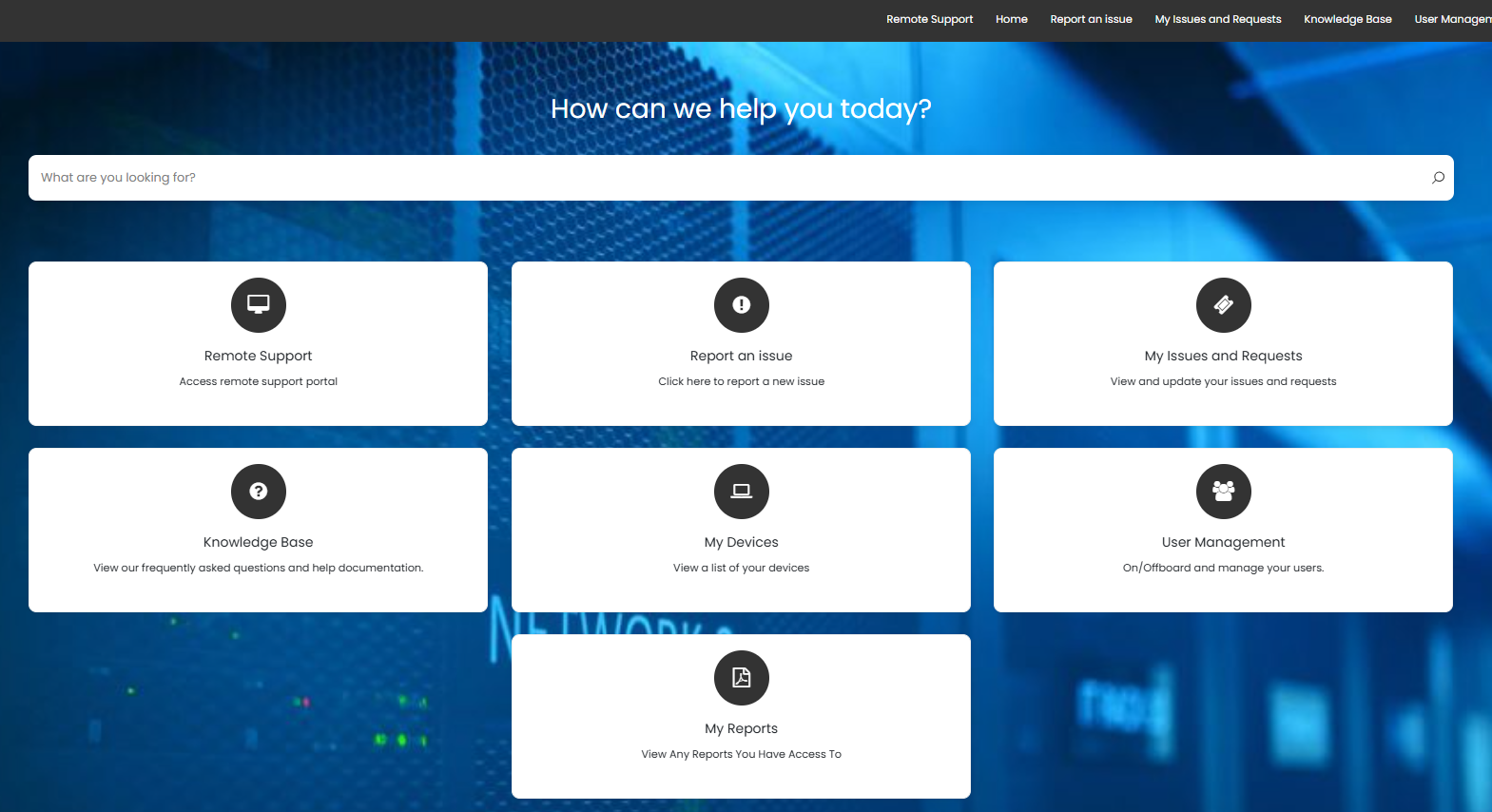](https://wiki.safetynet-it.com/uploads/images/gallery/2026-01/4M5of2rPLVa9i2vM-image.png)