
Accessing the customer portal
Logging in
Access the portal at: https://service.safetynet-it.com/portal/home
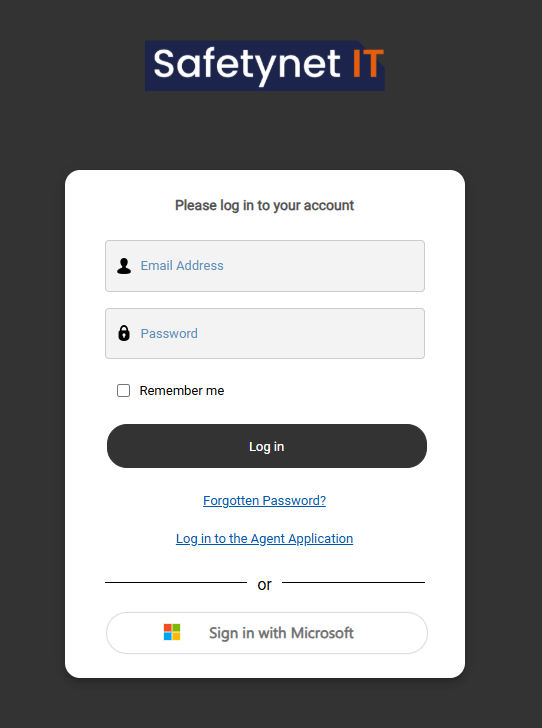
Log in with SSO using 365 or an email and password (If you cannot log in please raise at ticket via email or phone to the help desk)
Using the portal
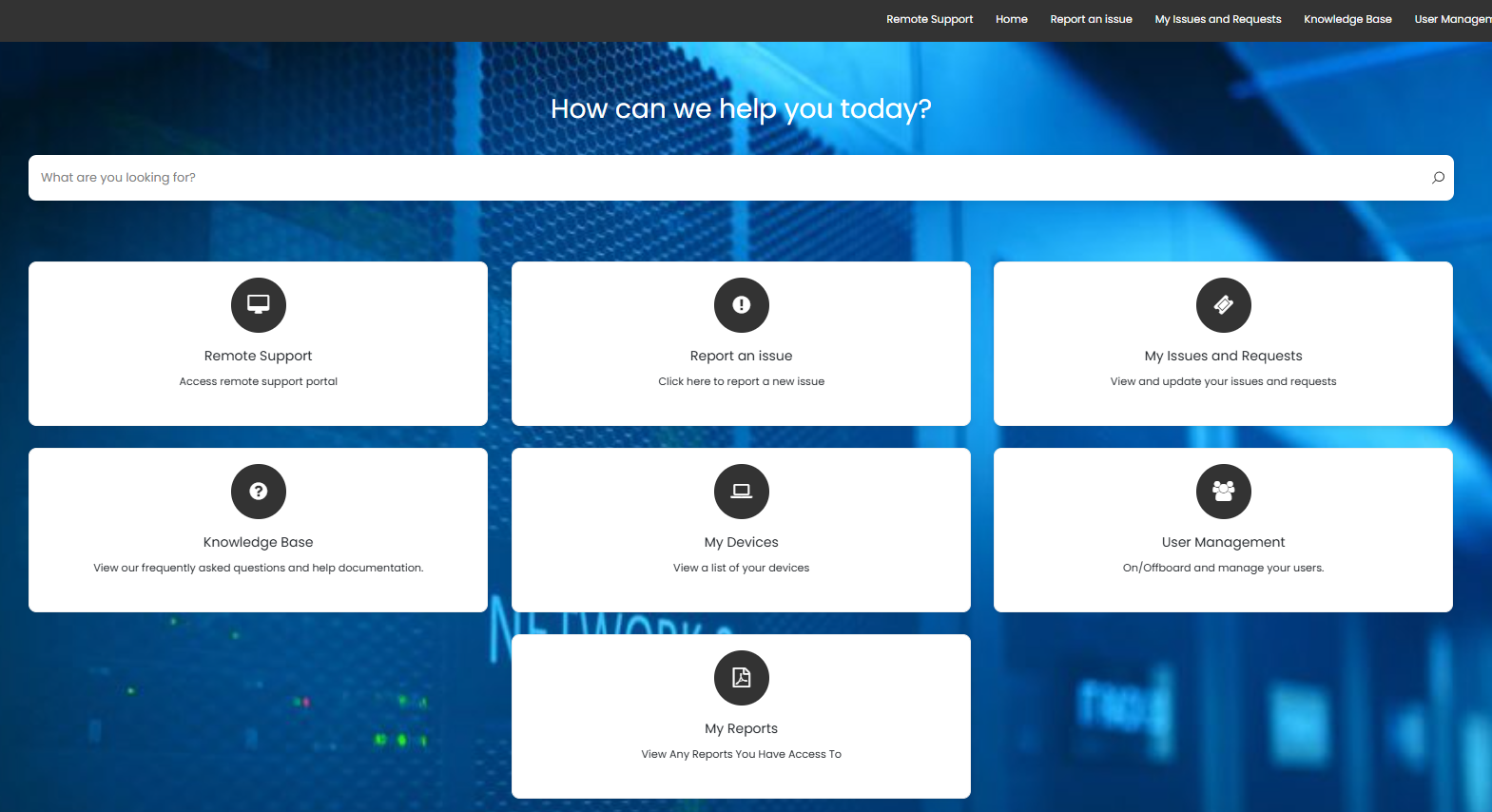
Once logged in you may perform various tasks such as raise a new ticket, check your open tickets, access reports or device lists and raise special queries such as onboarding or offboarding of members of staff. The data you see may depend on the level of access given to you.
User Management
In this area you can manage the onboarding and offboarding of members of staff
Onboarding
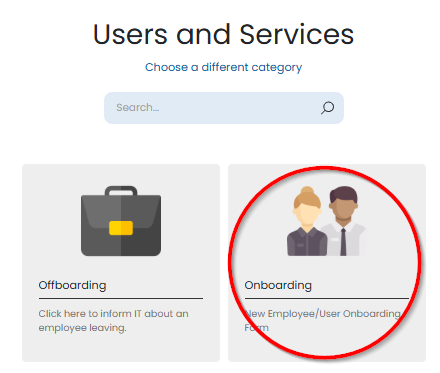
In the portal head to user management then choose onboarding
You can then fill out the information for the new employee, some fields are required and some provide you the option to give additional info, make special requests.
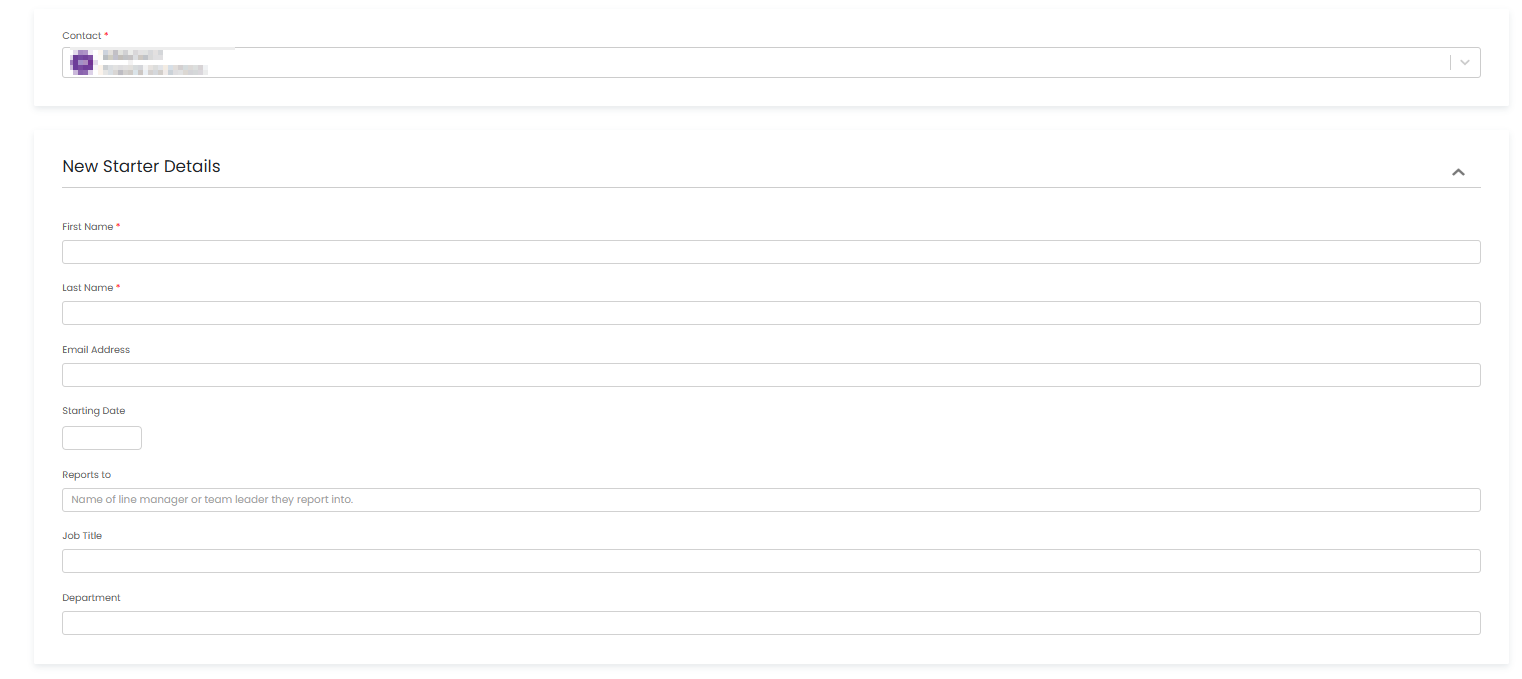
You can also request new hardware requirements or anything else the user may need ahead of their start date.
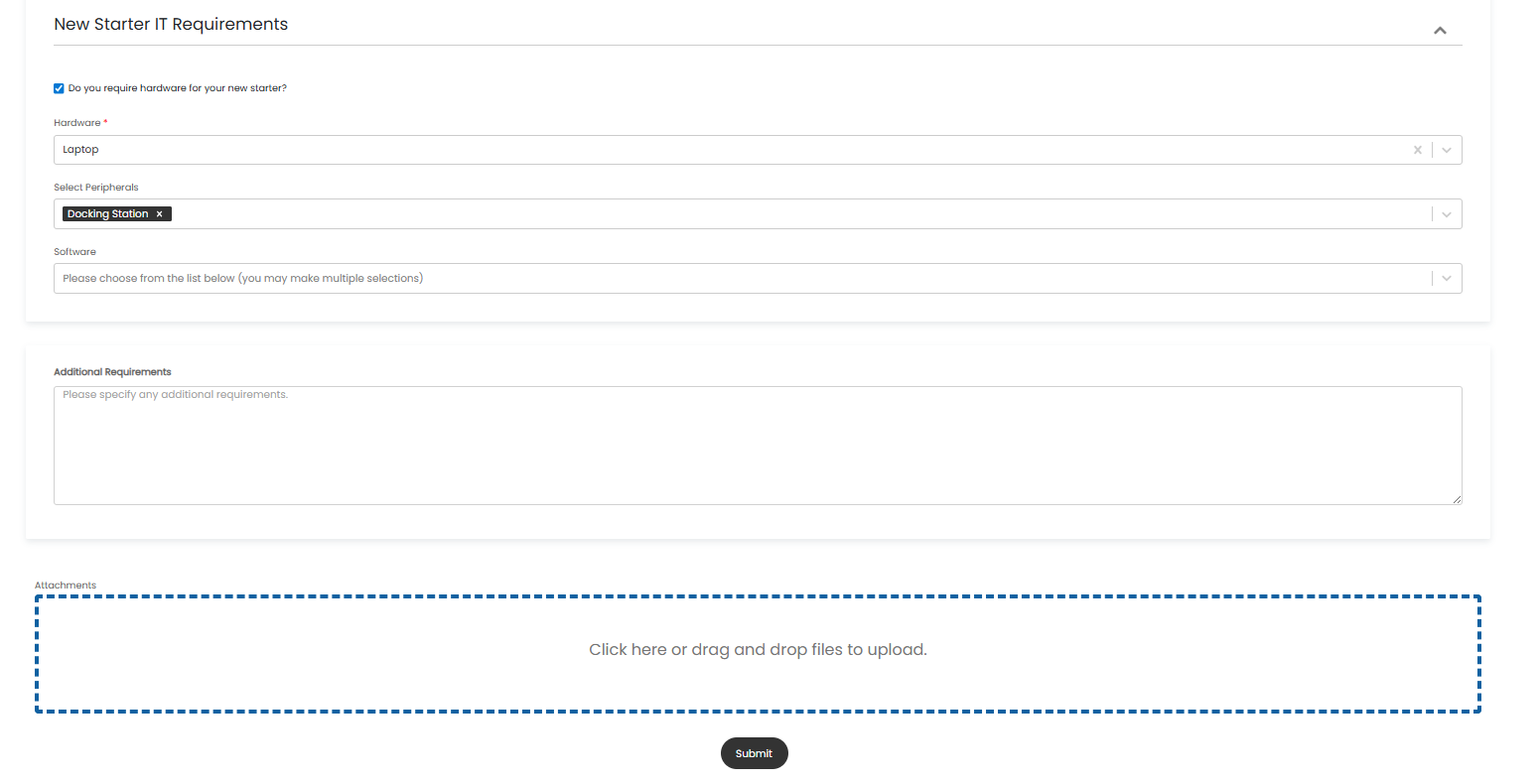
Once you are happy with the information filled out press submit. This will raise a ticket and our support team will begin to process the request.
Note: Please submit new user requests as promptly as possible, those submitted within 72 hours of the user start date may not be able to be processed correctly in time.
Offboarding
Coming soon.