
Accessing the customer portal
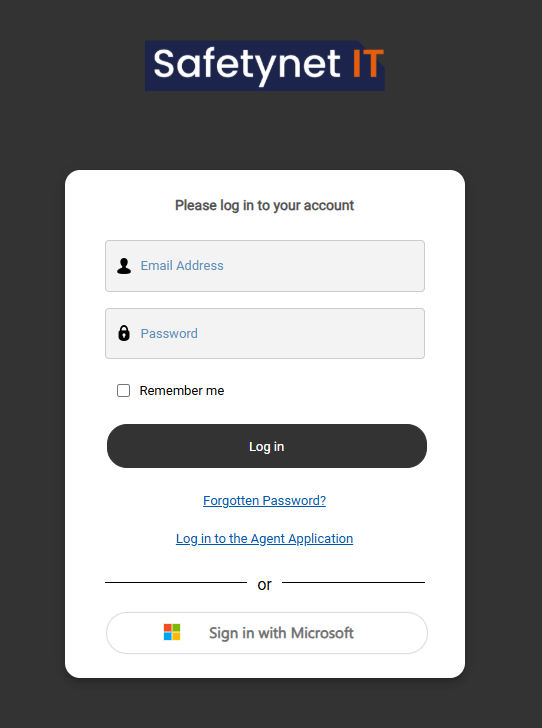
Logging in
Access the customer portal at:
https://service.safetynet-it.com/portal/home
LogYou can sign in using either:
-
Single Sign-On (SSO) with
SSOMicrosoftusing 365365, oran -
An email address and password
(
If you cannotare unable to log inin, please raise ata support ticket viaby emailemailing or phone tocalling the help desk)desk.
Using the portal
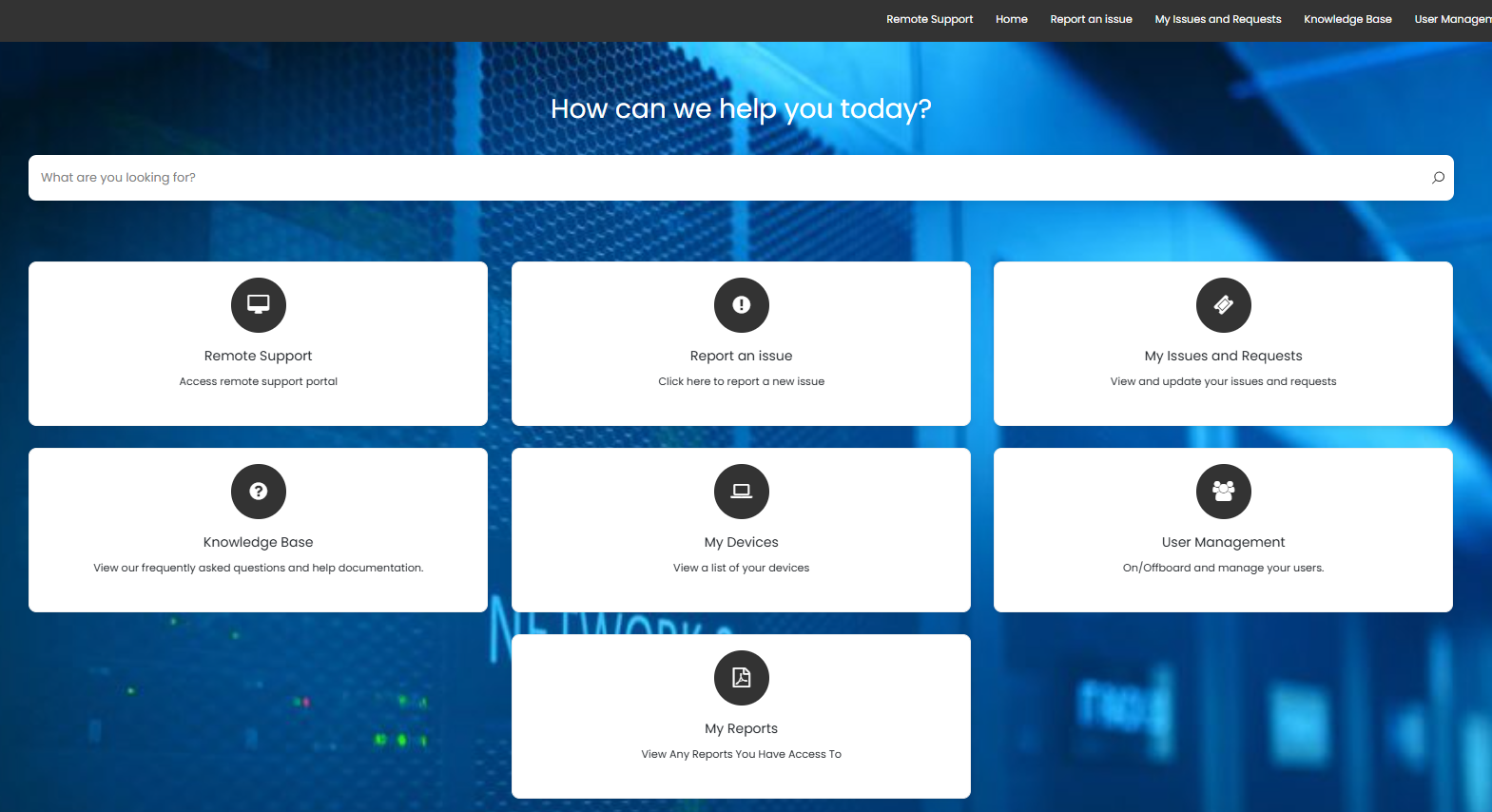
Once logged inin, you maycan perform various tasks such as raise a new ticket, check your open tickets, access reports or device lists and raise special queries such as onboarding or offboardingrange of membersactions of staff. The data you see may dependdepending on the level of access givenassigned to you.your account. These may include:
-
Raising a new support ticket
-
Viewing and tracking your open tickets
-
Accessing available reports
-
Viewing device and asset lists
-
Submitting special requests such as staff onboarding or offboarding
The options and data visible to you are based on your permissions.
User management
The User Management
In thiscanto manage the onboarding and offboarding of membersstaff ofmembers.
Onboarding a new employee
-
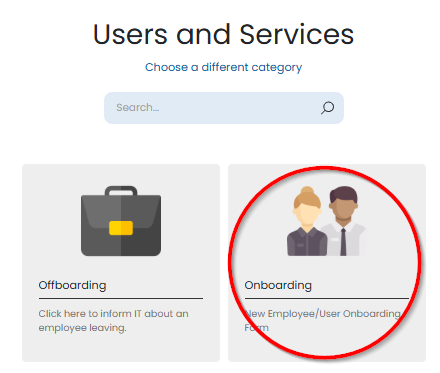
InLog in to the portalhead -
Navigate to
userUsermanagementManagementthen -
onboardingSelect Onboarding
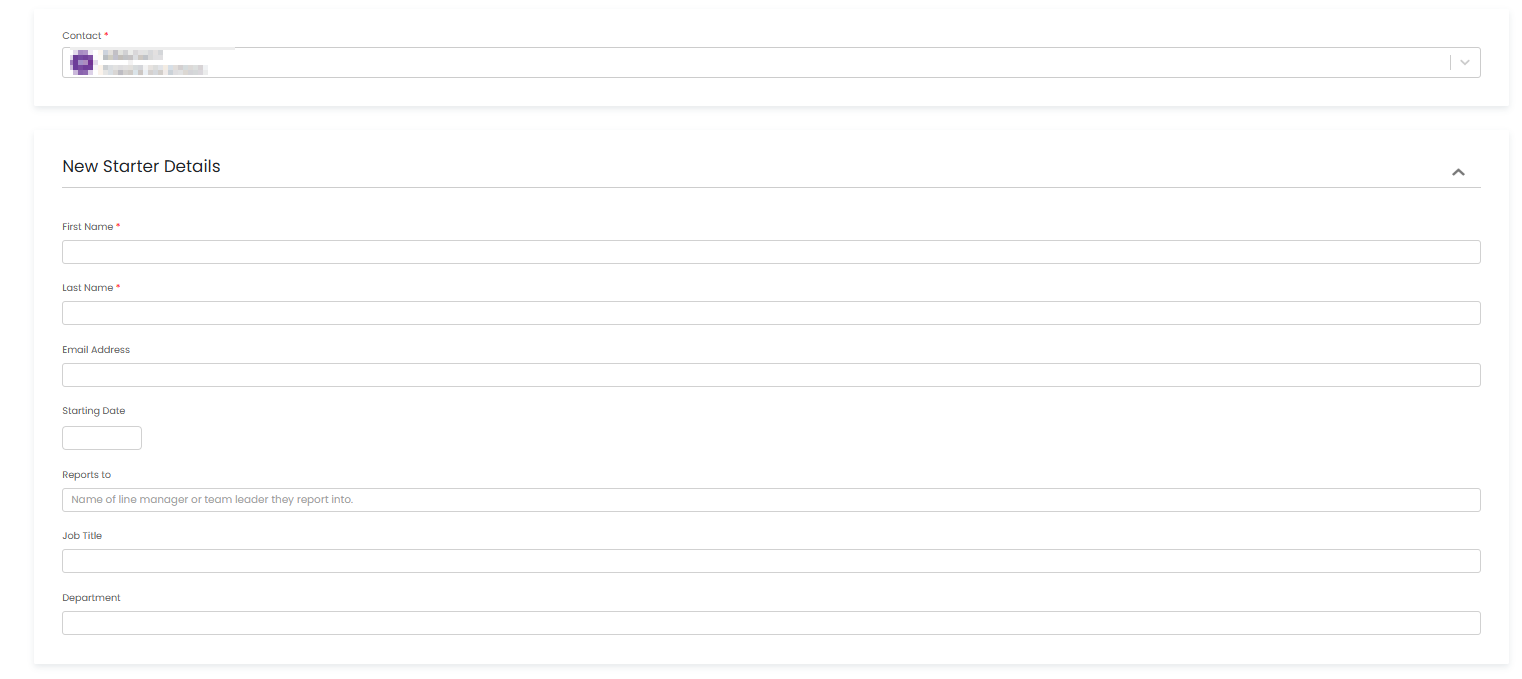
You canwill thenbe fillpresented outwith thea informationform to capture details for the new employee,employee.
-
Some fields are
requiredmandatory -
Other fields are optional and
somecan be used to provideyou the option to giveadditionalinfo,informationmakeor specialrequests.requests
You can also requestrequest:
-
New hardware
-
Software access
-
Any other requirements
or anything elsethe usermayneedsneed ahead ofbefore their startdate.date
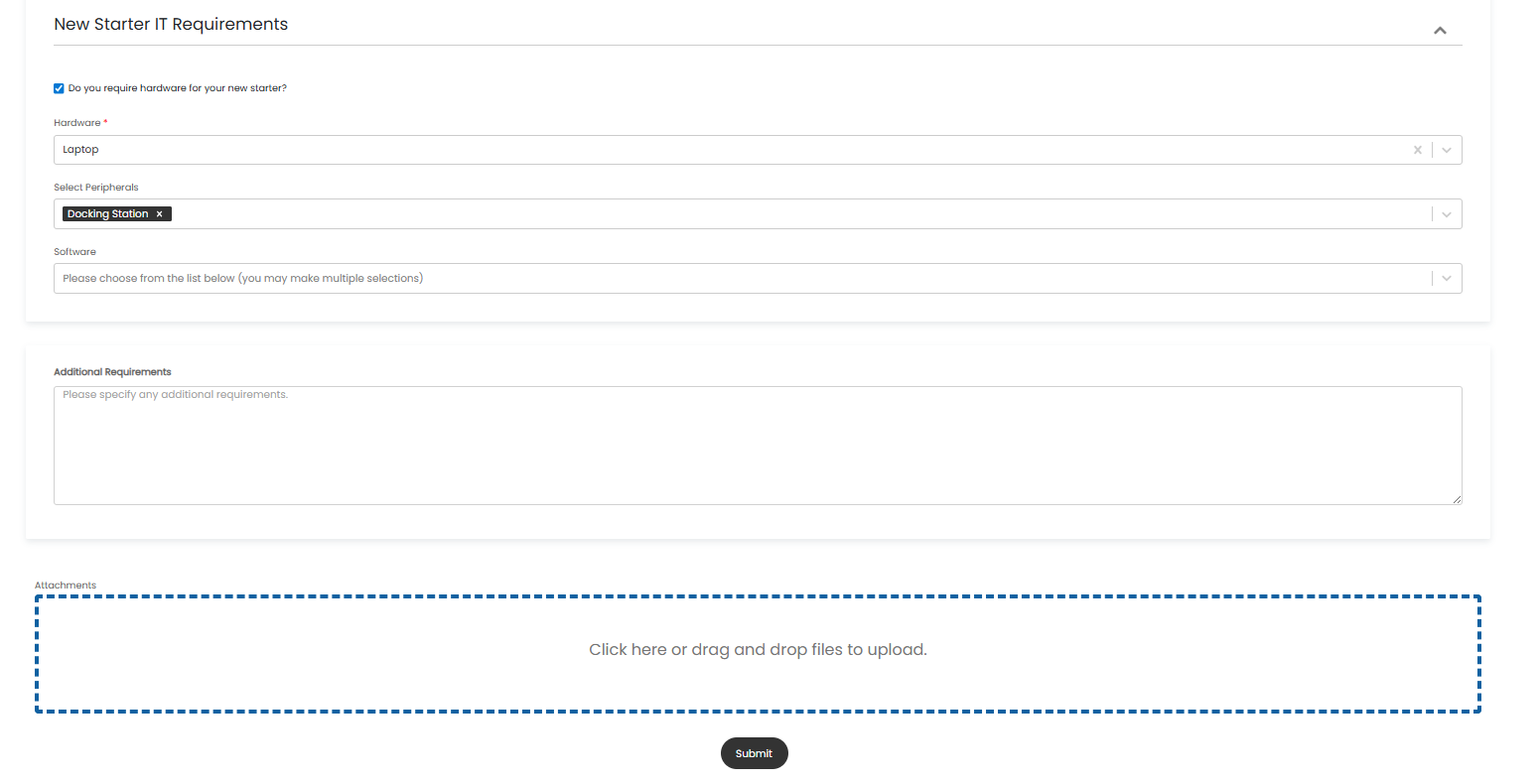
Once you are happy with theall information filledhas outbeen presscompleted, submit.select Submit.
This will automatically raise a ticketsupport ticket, and our support team will begin to processprocessing the request.
Note:Important: Please submit new useronboarding requests as promptlyearly as possible,possible. thoseRequests submitted within 72 hours of thea useruser’s start date may not be able to be processed correctly in time.
Offboarding
Coming soon.