
Customer Portal: Onboarding new users
Onboarding a new employee
-
Log in to the portal
-
Navigate to User Management
-
Select Onboarding
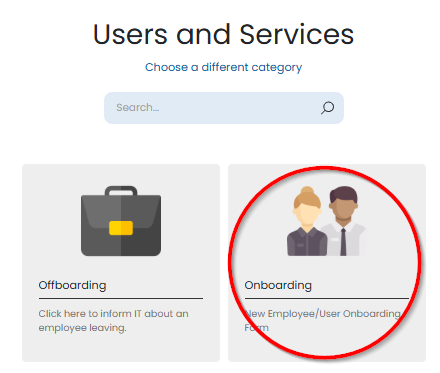
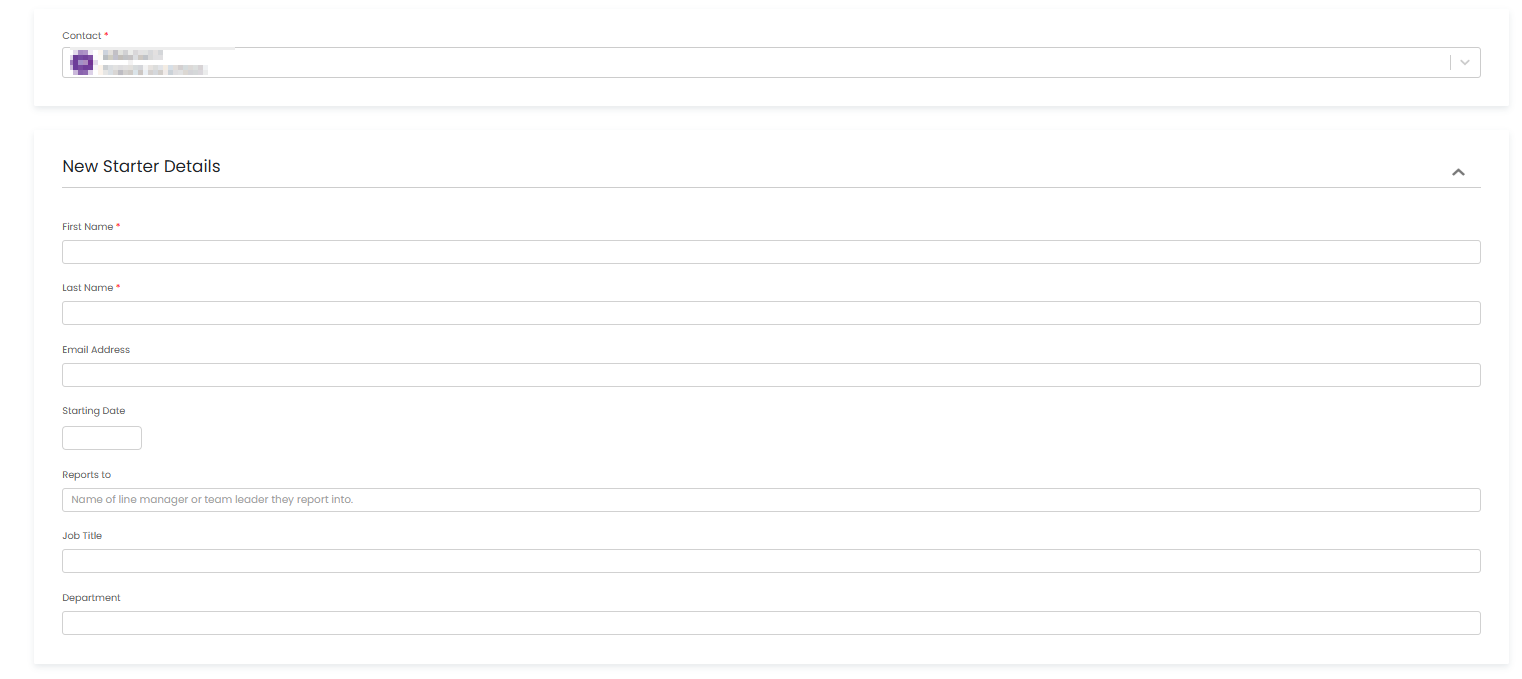
You will be presented with a form to capture details for the new employee.
-
Some fields are mandatory
-
Other fields are optional and can be used to provide additional information or special requests
You can also request:
-
New hardware
-
Software access
-
Any other requirements the user needs before their start date
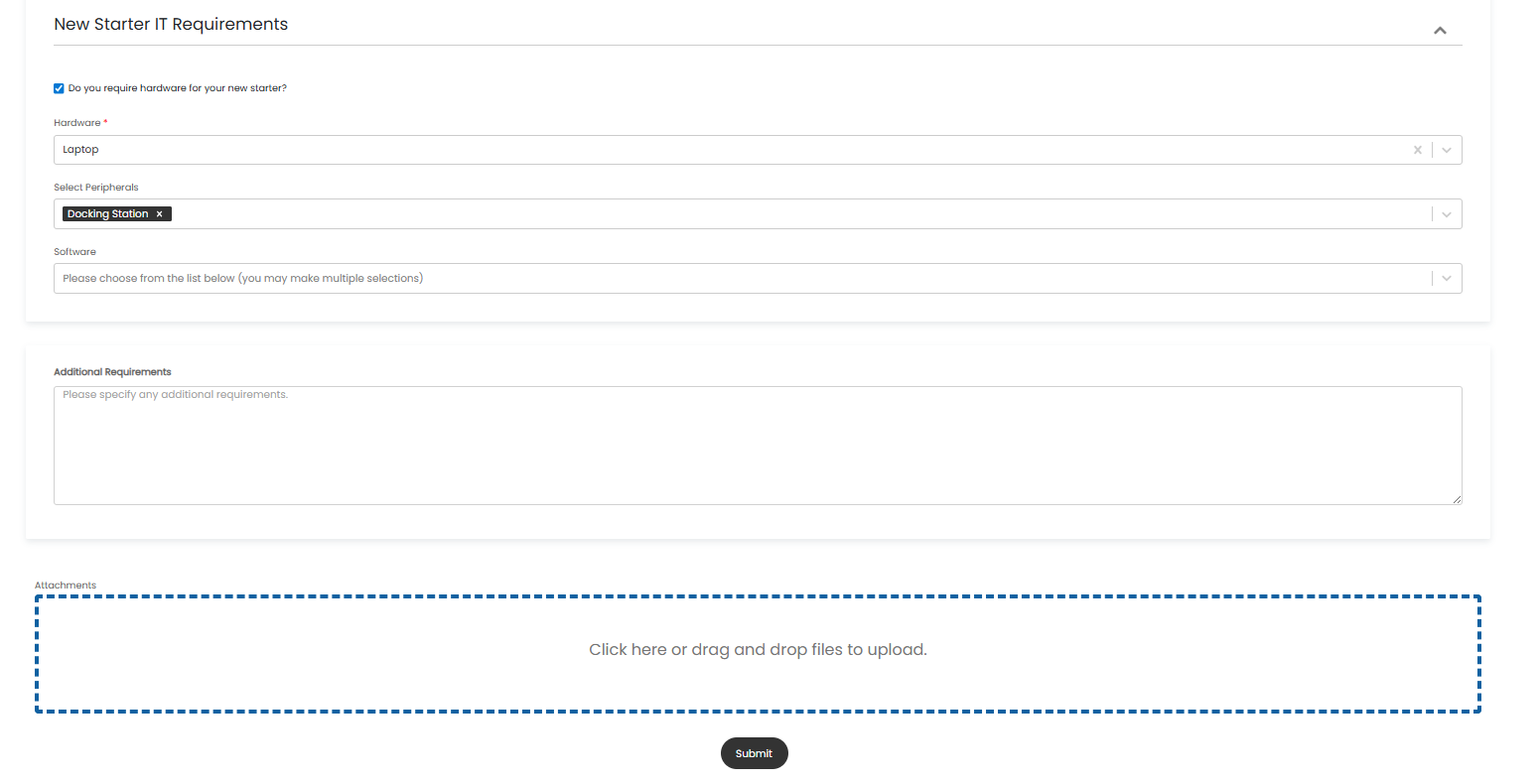
Once all information has been completed, select Submit.
This will automatically raise a support ticket, and our support team will begin processing the request.
Important: Please submit onboarding requests as early as possible. Requests submitted within 72 hours of a user’s start date may not be processed in time.
No Comments